Take a school that orders 120 polo shirts with its crest every year, or a cleaning company that orders 40 hi-vis jackets every time it hires. These are the best clients a uniform or merch supplier can have, and on many supplier websites, reordering is the hardest thing they can do.
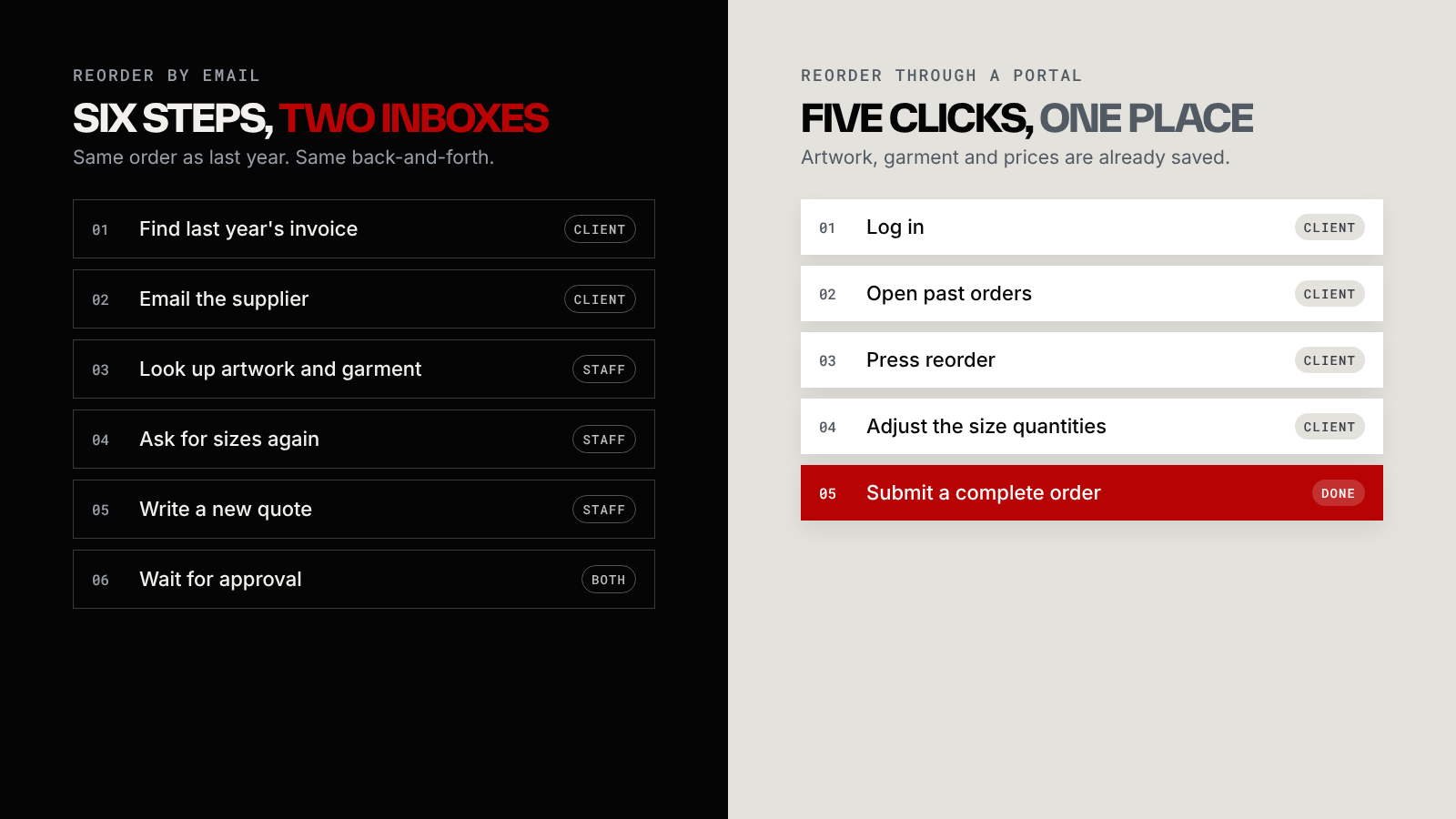
The usual process starts with "please email us your previous invoice number". The client digs through old emails, finds a PDF from last March, and sends it over. Someone on your team then looks up the artwork, checks which garment and colour it was, asks about sizes again, writes a new quote and waits for approval.
That's a lot of work for an order where nothing has changed.
What a reorder portal does instead
The client logs in and sees their past orders, each with the artwork, garment, colours and prices attached. They press reorder, change the size quantities, and submit. Your team receives a complete order with nothing to chase.
That's the whole idea. Everything else is detail.
Who needs one
If most of your revenue comes from people who order once, a reorder portal won't change much. It matters when you have clients who come back on a schedule:
- schools, sports clubs and associations ordering each season
- companies with staff uniforms or onboarding packs
- franchises where every location orders the same branded items
- event organisers who repeat the same merch every year
What to include first
When I design these portals, I push to launch with a small set of features that remove the most back-and-forth, and add the rest once clients are using it.
- Saved artwork and approved proofs on every past order, so nobody has to resend a logo.
- A client catalogue: only the products that client has approved, at their agreed prices.
- Size runs per person or per department, so a uniform order can be split the way the client actually works.
- An optional approval step, for companies where a manager signs off before anything is ordered.
- Order status the client can check without emailing you.
Things that can wait: loyalty points, chatbots and dashboards full of charts nobody asked for. They're nice in a demo and rarely used.
Start smaller than you think
You don't need a full platform on day one. A "My orders" page with a reorder button, behind a simple login, already removes the invoice hunt. Build that, watch how clients use it, then decide what to add.
I designed a portal along these lines for a branded workwear supplier, with separate views for clients, staff and admins. The B2B ordering portal case study shows how it came together, and the services page explains how a project like this usually starts.